Help and support
How to reach us and answers to the most common questions about EDH Leagues.
Contact
Questions, problems or feedback? Send us an email and we will get back to you:
Where do I play?
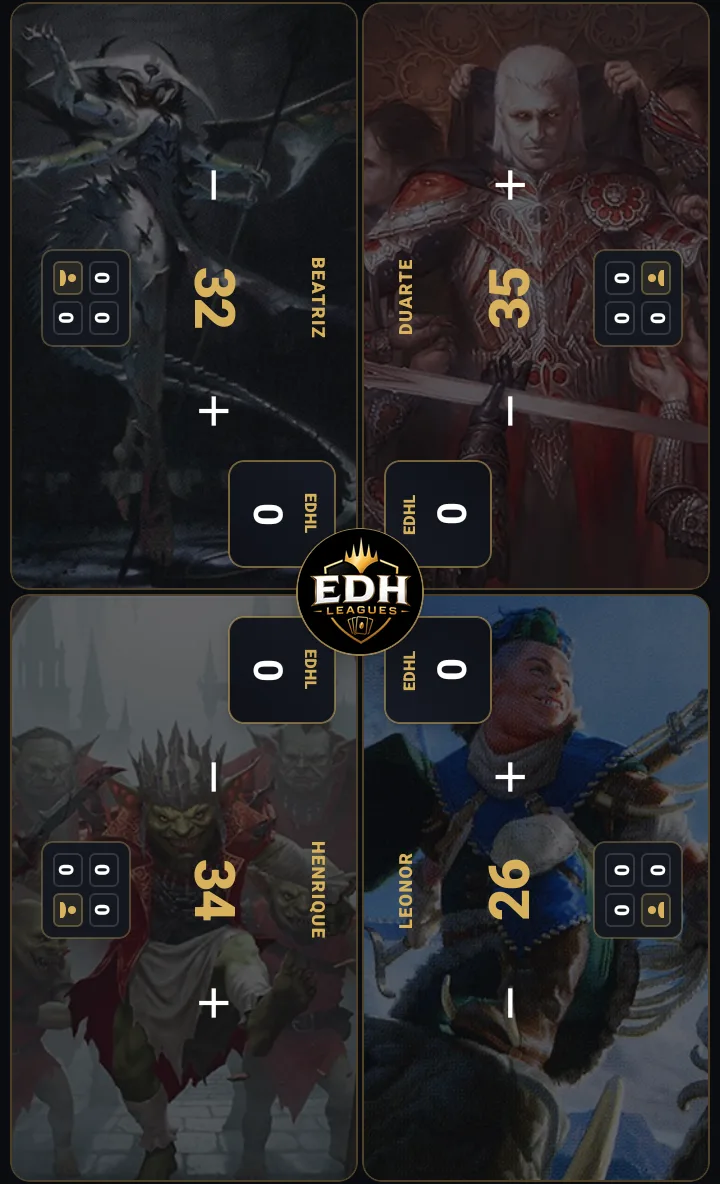
Games are played in the EDH Leagues app for iPhone and Android: life counter, actions and scores at the table. The website is where you follow leagues, see standings and manage your account.
How do I join a league?
Open the invite link or code the league owner shares with you. For a public league you can also ask to join, and the owner approves your request.
Browse public leaguesI signed up with Google or Apple. How do I sign in?
Use the same button you signed up with. Those accounts have no password, so there is no password to reset. Sign in with Apple is only available in the iPhone app.
I forgot my password.
Enter your account email and we send you a 6-digit code to choose a new password.
Reset your passwordHow do I delete my account?
In the app, open your profile and choose Delete account. On the website, sign in and go to your profile. Your account, profile and votes are removed for good; in past league games your seat shows as a deleted player.
Go to your profileHow do I report a player or content?
In the app you can block a player from their profile, so they cannot invite you or see you in search, and report proposals. For anything else, email us with the player or league name.
Made for the table
Play from your phone
Life counter, live action scoring and your leagues, all in the EDH Leagues app. Keep it on the table while you play.